SmartBox
The SmartBox is the main Yandex Browser element for entering URLs and searching for information. The Yandex search engine is normally used to search for answers to your query. You can change your search engine if you want to. You can't disable or remove the SmartBox.
To find the answer to your question or to visit a specific website:
- Enter a search query, address, or name of a website in the SmartBox.
- Press Enter.
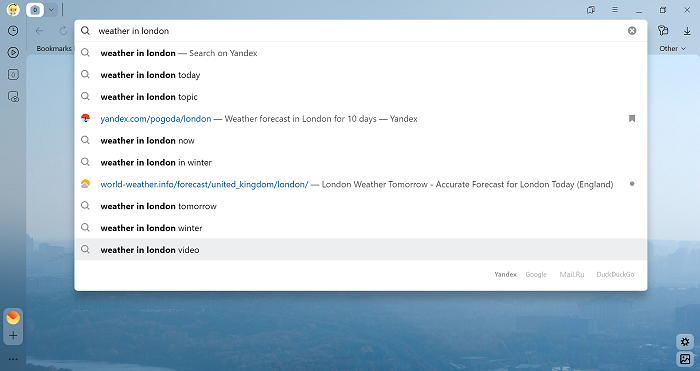
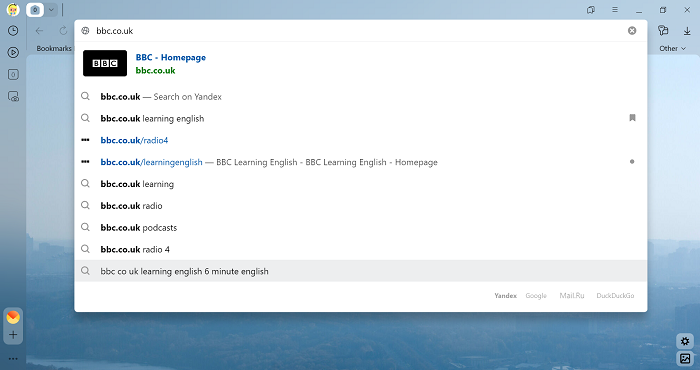
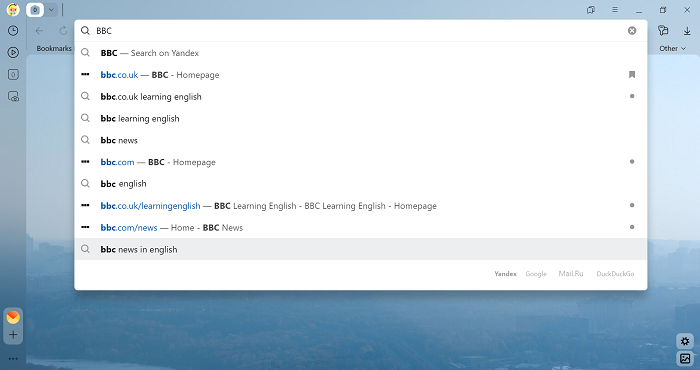
To open the home page of a site by clicking its domain in the SmartBox:
-
Click → Settings → Interface.
-
In the SmartBox section, enable the options Use «domain > title» format for page addresses and Open home page of site when clicking the domain in SmartBox.
Learn more
Search suggestions
Search suggestions are popular searches that start with the same characters as your query.
The suggestions list appears beneath the search bar and changes as you enter new letters in the search bar. When you see a suggestion that matches your query, you can select it by using the mouse or the Up or Down keys. To go to the search results, press Enter.
You can make your query more specific by adding text to the selected suggestion.
Yandex Browser provides answers to common questions in the search suggestion list. For example, you can find out the depth of Lake Baikal or the height of Mt. Everest without going to the search results. You can also enter a phone number that you got a call from into the SmartBox. If this number has been used for advertising purposes and there has been enough online feedback about this number, you will see a warning in the suggestions.
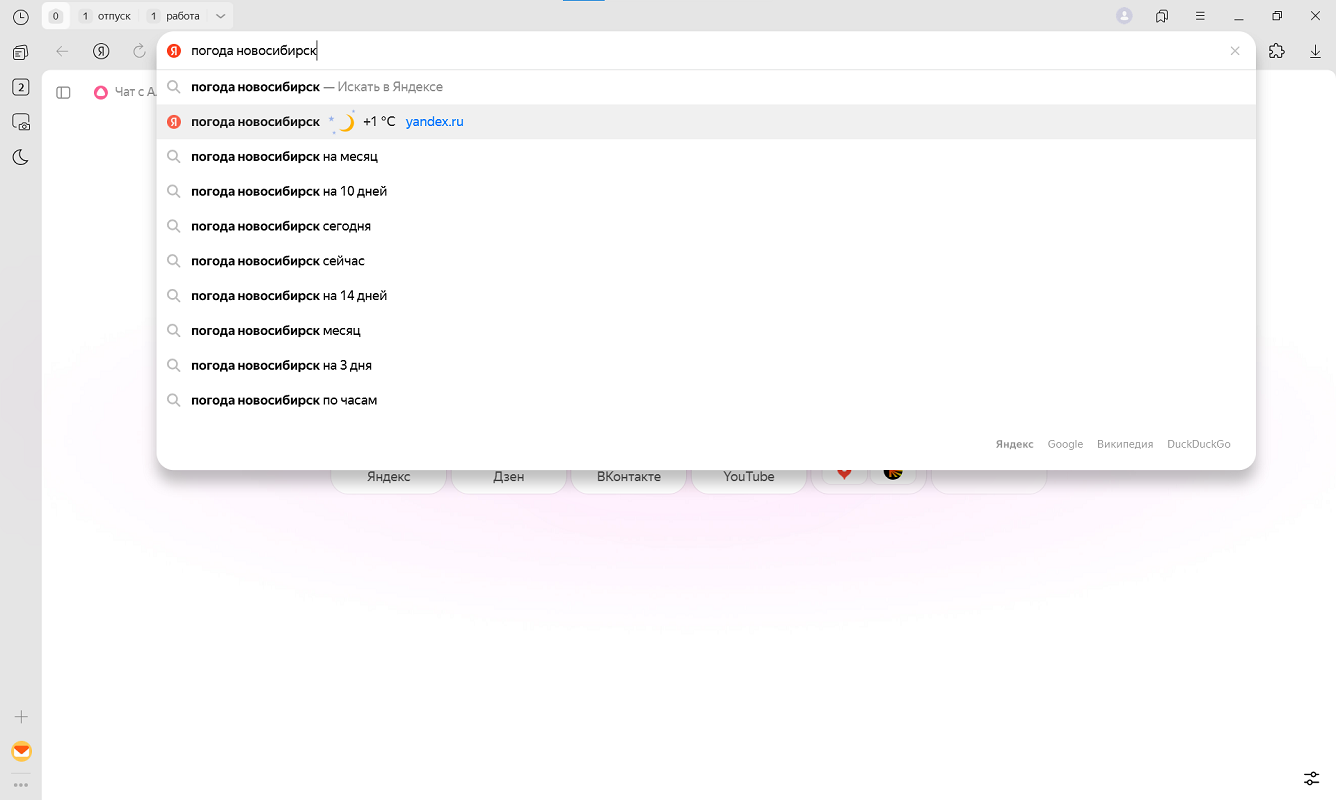
If you make a typo in the site address, Yandex Browser may offer corrections. To do this:
-
Click → Settings → General settings.
-
In the Search section, disable Offer corrections for typos in site addresses.
If you don't want to see suggestions in Yandex Browser, disable them:
-
Click → Settings → General settings.
-
Under Search, deselect Show suggestions when entering addresses and queries.
Copy or share the page URL
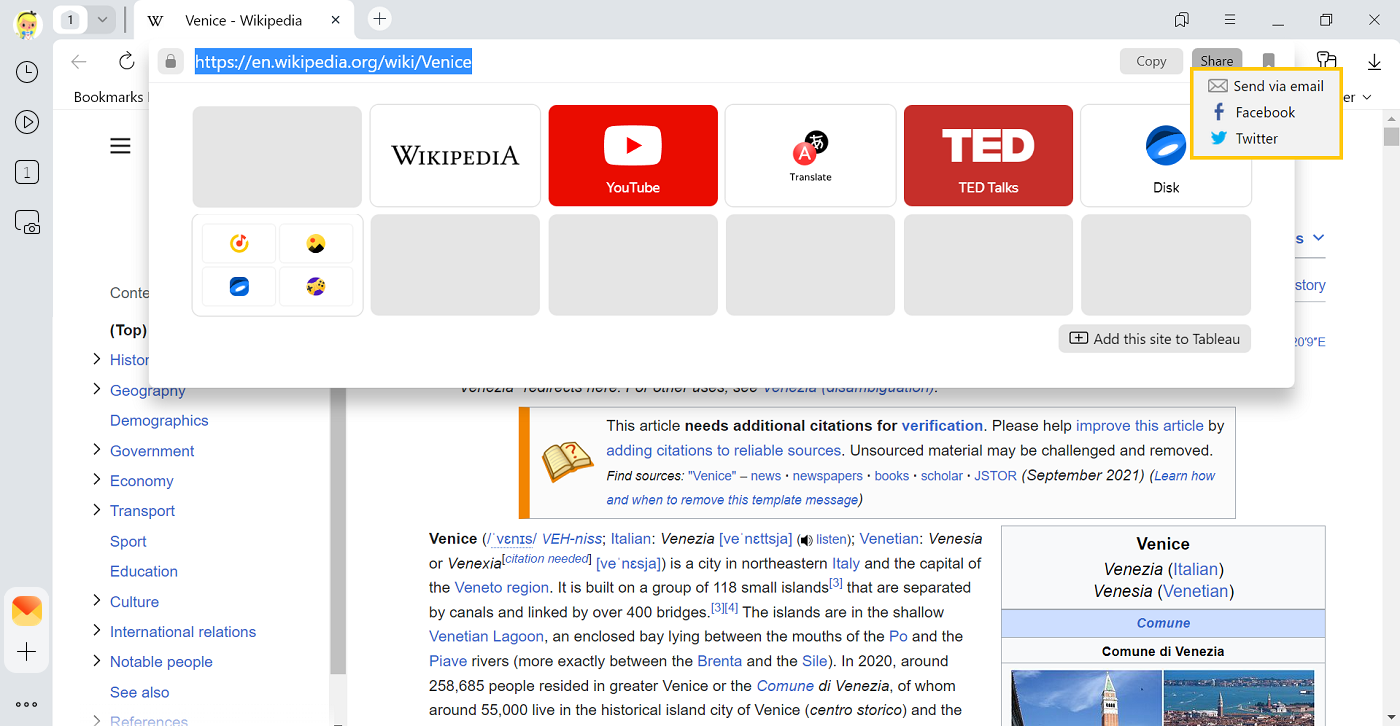
Left-click the SmartBox to bring up the Copy and Share buttons:
- To copy a URL to your clipboard, click Copy.
- To share a link with your friends, click Share and choose a social network or email address.
Disable the Copy button
1. Click → Settings → Interface.
2. In the SmartBox section, disable the option Suggest copying the page address when it's selected.
You can enter search queries in the address bar and Yandex Browser will understand what you need.